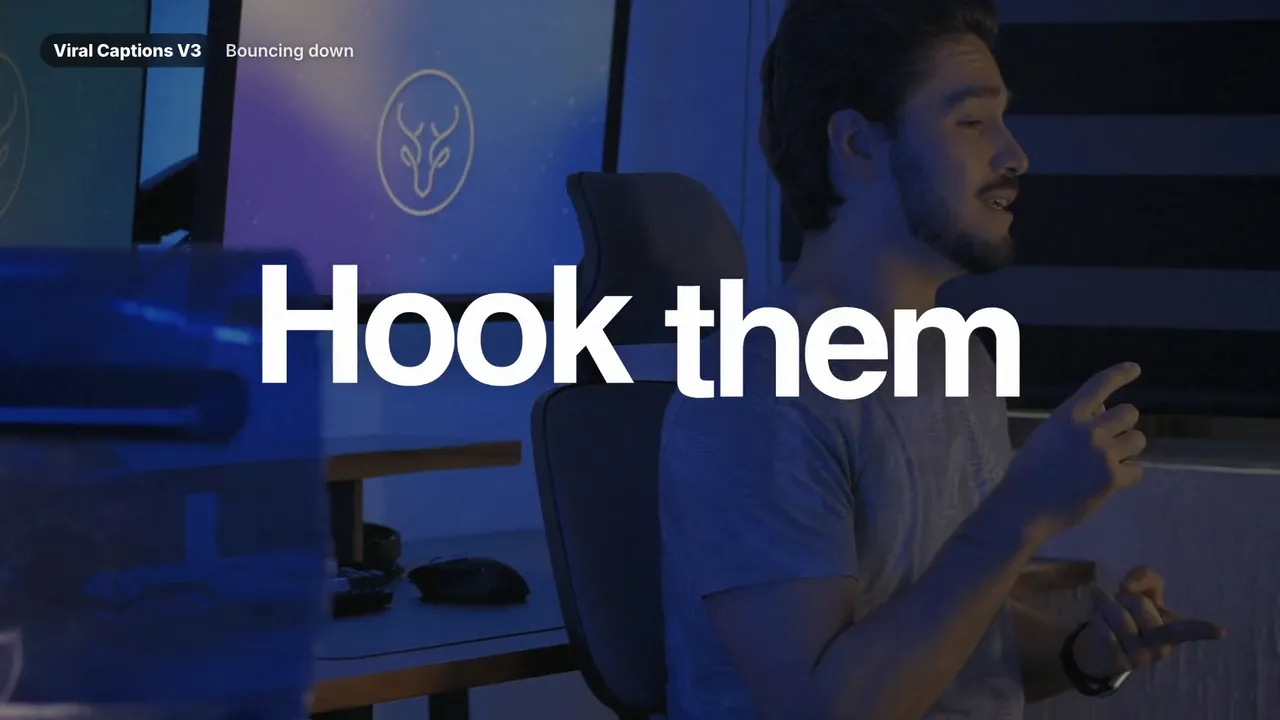
Best seller
Animated, word-by-word captions that keep viewers watching — built for short-form, YouTube and client work, applied in one drag.
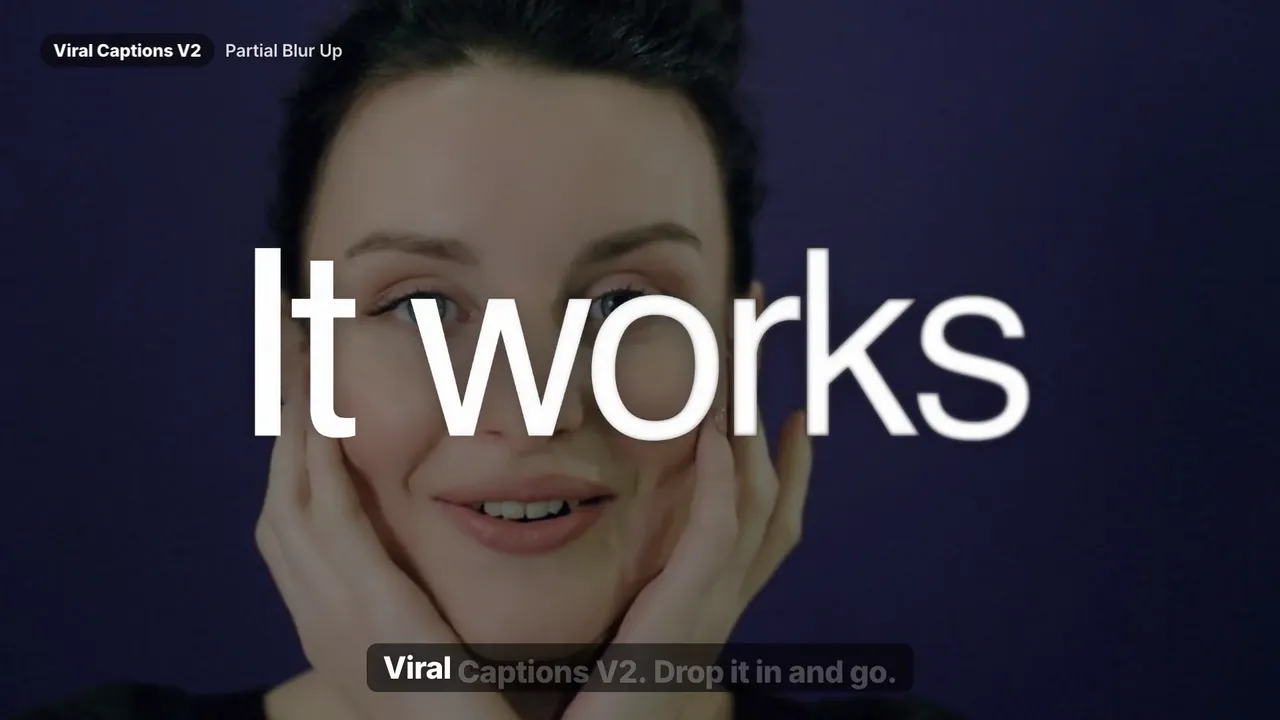
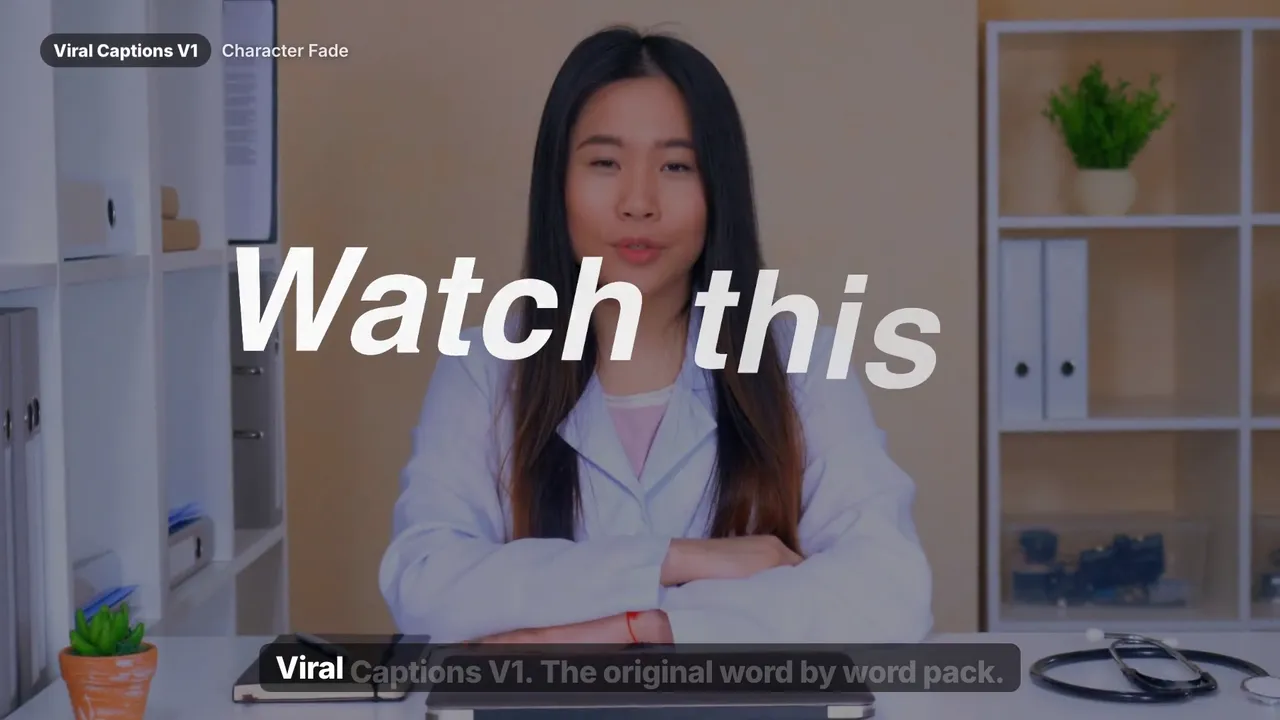
Bundles
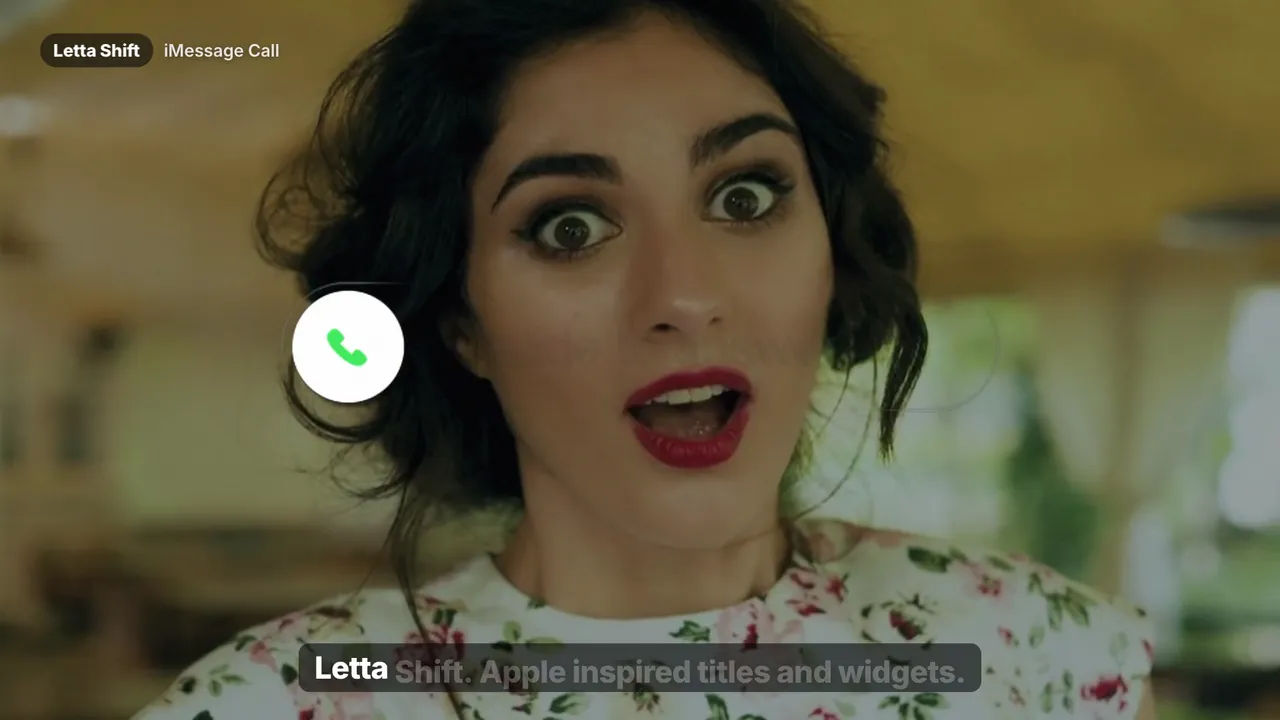
Captions are the single biggest lever on retention in short-form video. Most viewers watch with the sound off, and the ones who don't still decide in the first second whether your video is worth their time. Animated captions solve both problems — but timing and styling every word by hand in Fusion eats hours you could spend editing the next video.
Every Letta Edit caption preset is a finished Fusion title: the easing, the pop, the highlight and the glow are already tuned. You drop it on the timeline, type or paste your line, and adjust color, font and size in the Inspector. No plugins, no After Effects round-trips, no keyframes.
Start with Viral Captions V3 if you want the newest, punchiest set. If you edit captions every day, the Text Collection bundles all three caption packs with LetterFX and MotionText for less than the price of two.
The presets are Fusion titles: you place them on a video track above your footage and type or paste each line. That gives you full control over the animation of every word, which subtitle tracks don't allow.
Yes. The titles are resolution-independent — use them on 9:16 Reels and TikTok timelines, 16:9 YouTube timelines or square formats and scale them in the Inspector.
Viral Captions V3 is the newest and most versatile. If you want every style, the Text Collection includes V1, V2 and V3 plus LetterFX and MotionText.
Checkout
Files are delivered instantly and sent to the email on your payment.