New
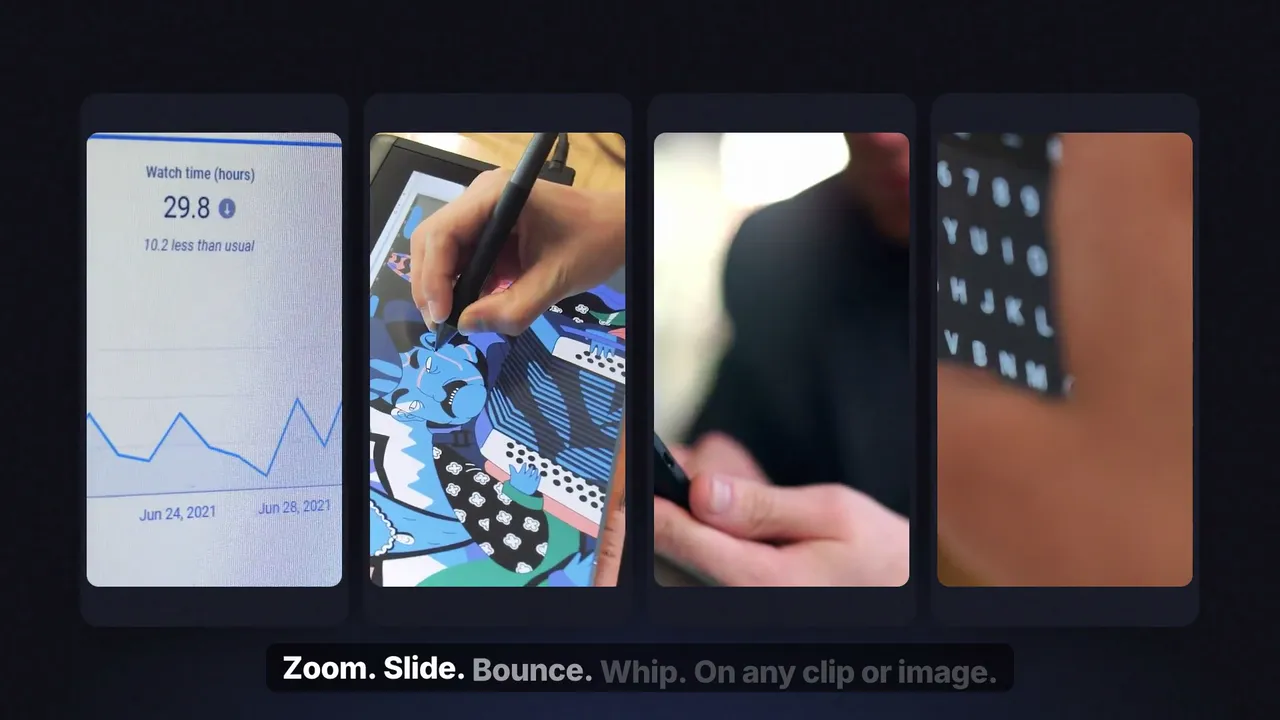
Camera pulls, zooms, shakes, slides and bounces you apply with one drag — no keyframes, no Fusion.
Bundles
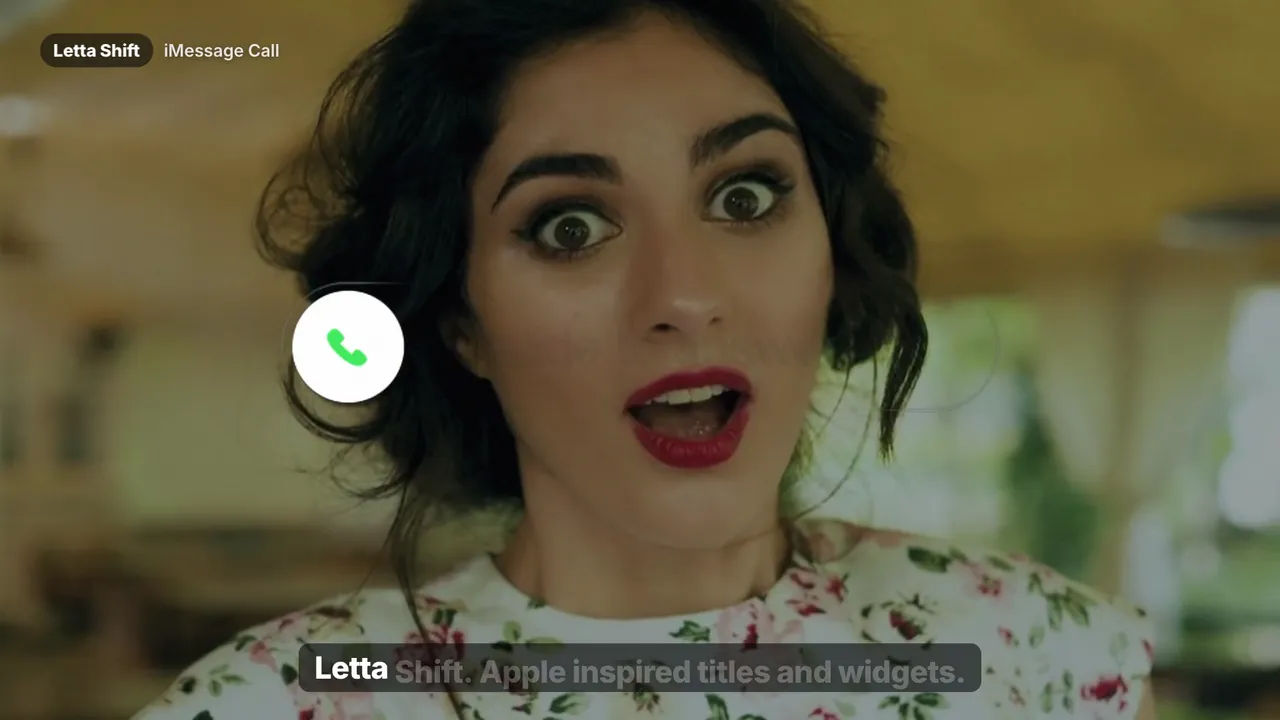
Movement is what makes an edit feel alive: a slow push-in on a talking head, a whip into the next shot, a bounce on a product screenshot. Keyframing each of those by hand — and fixing the ease so it doesn't look robotic — is the most repetitive part of editing.
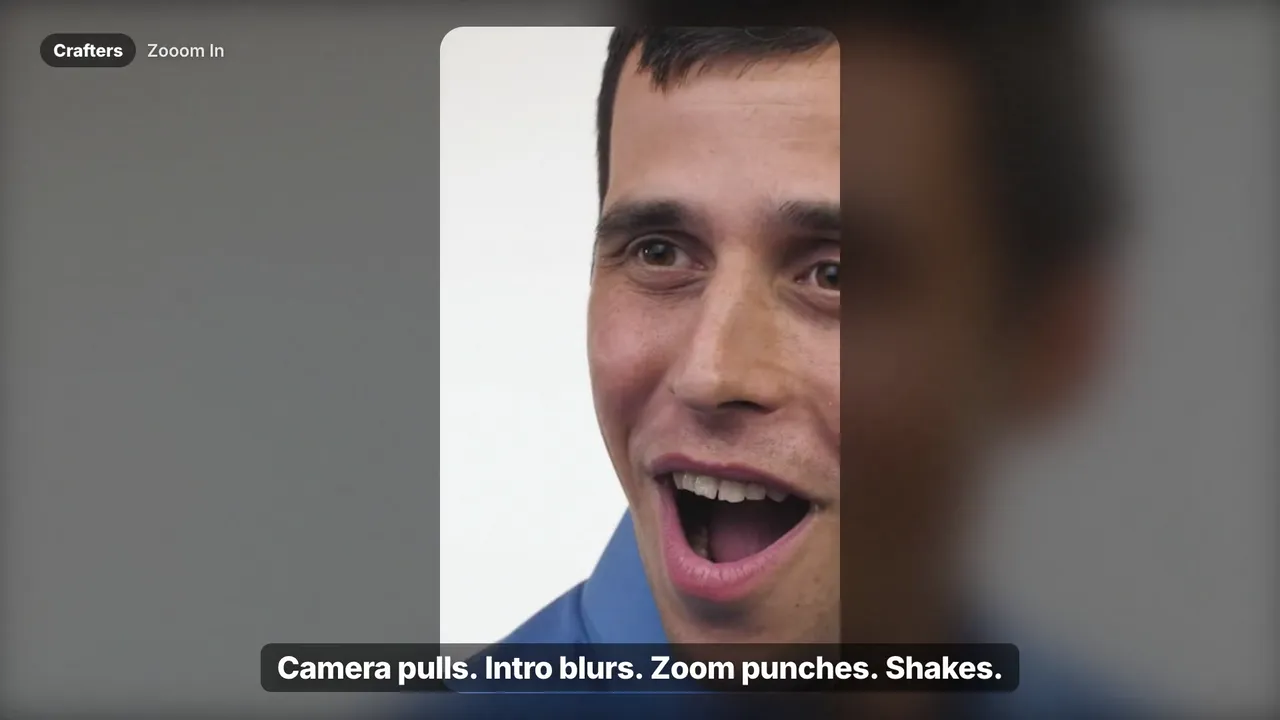
Crafters and SaaS Animations replace that with presets. Drop one onto any clip, image or PNG on the Edit page and the move is done, already eased. Adjust the intensity and duration in the Inspector if you want, or don't touch anything at all.
Crafters is the cinematic toolkit: camera pulls, intro blurs, shakes and B&W punch-ins. SaaS Animations is built for product and screen content: smooth zooms, slides, pops and whips. Bye Keyframes bundles both.
Yes. SaaS Animations and Crafters work on video clips, still images and transparent PNGs placed on the timeline.
No. You apply the presets from the Effects library on the Edit page, like any built-in effect.
Crafters focuses on cinematic camera moves and stylized effects. SaaS Animations focuses on clean motion for product, app and screen content. Bye Keyframes includes both.
Checkout
Files are delivered instantly and sent to the email on your payment.