Skip to content
HomeCaptionsTitlesEffectsBundlesInstall guideFAQAll-Access

DaVinci Resolve title templates.

Kinetic text, Apple-style moves and polished UI widgets — premium titles that make an edit look expensive in seconds.
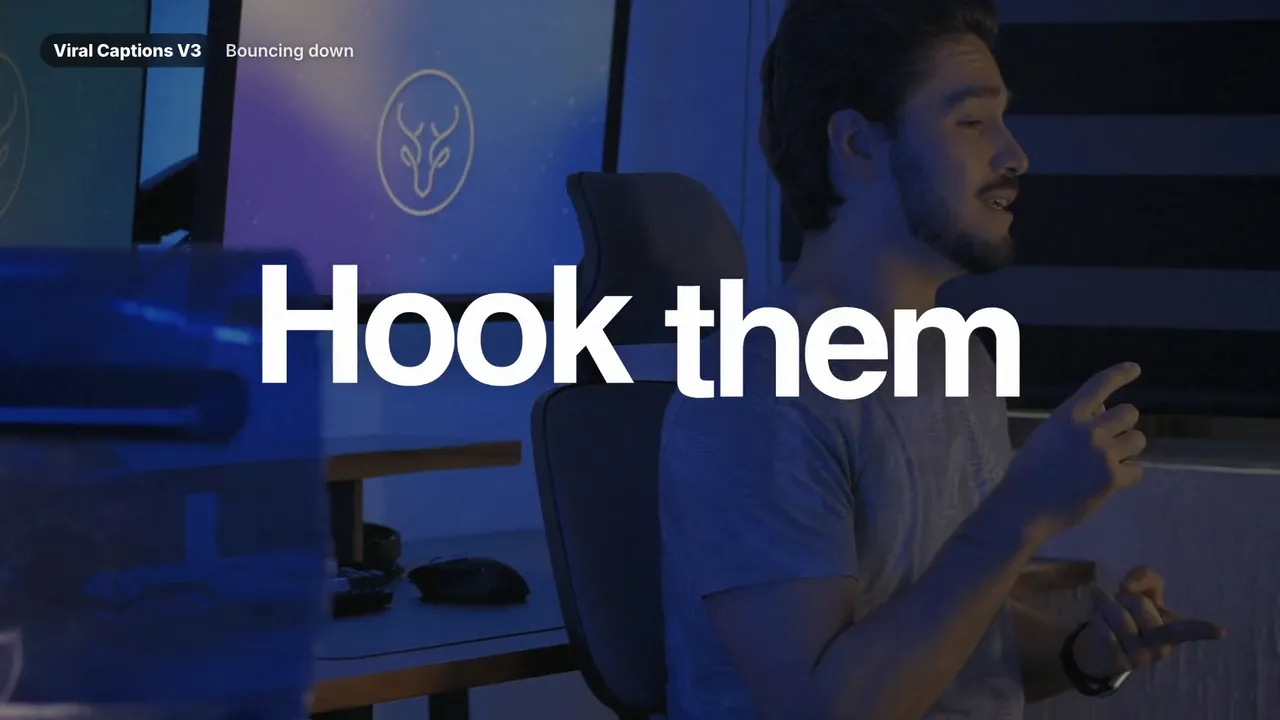
Letta Shift — DaVinci Resolve titles preset preview
New
Watch with sound

Titles

Letta Shift

Apple-inspired titles and UI widgets.

$24.99$49.9911 titles + 6 widgets

Learn more
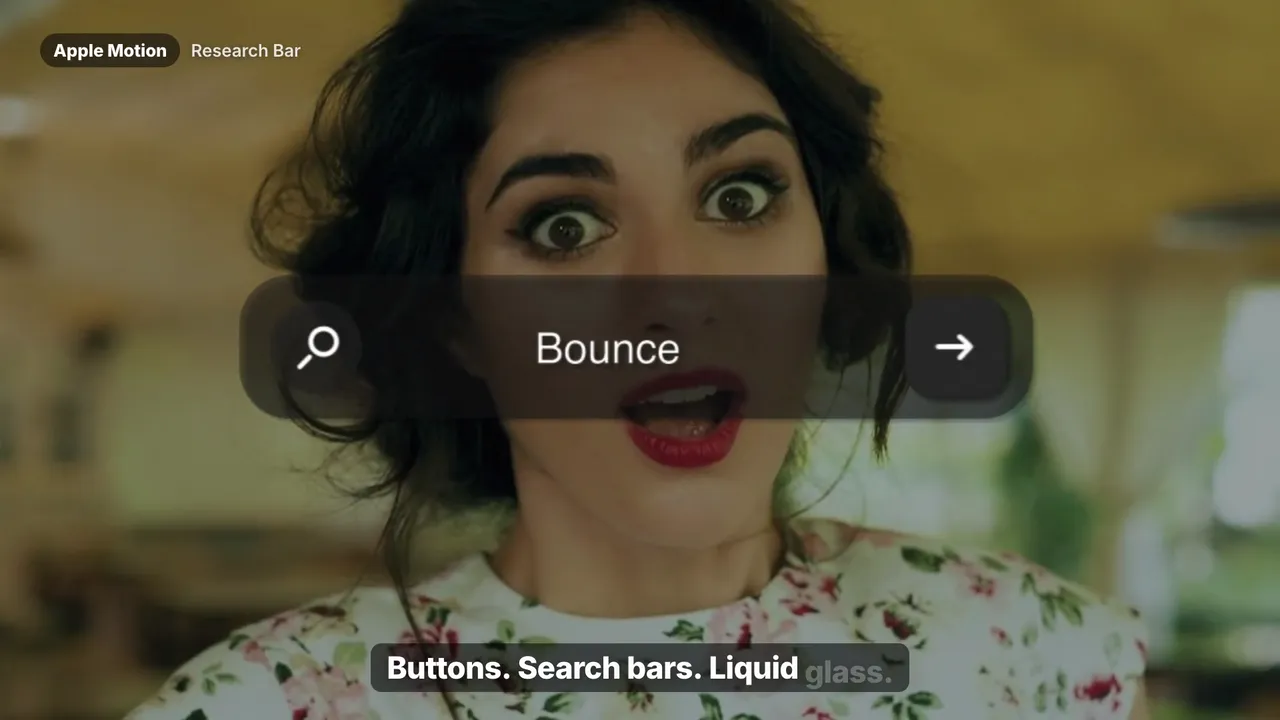
MotionText — DaVinci Resolve titles preset preview
Best seller
Watch with sound

Titles

MotionText

Keynote-grade motion. One drag.

$24.998 motion titles

Learn more
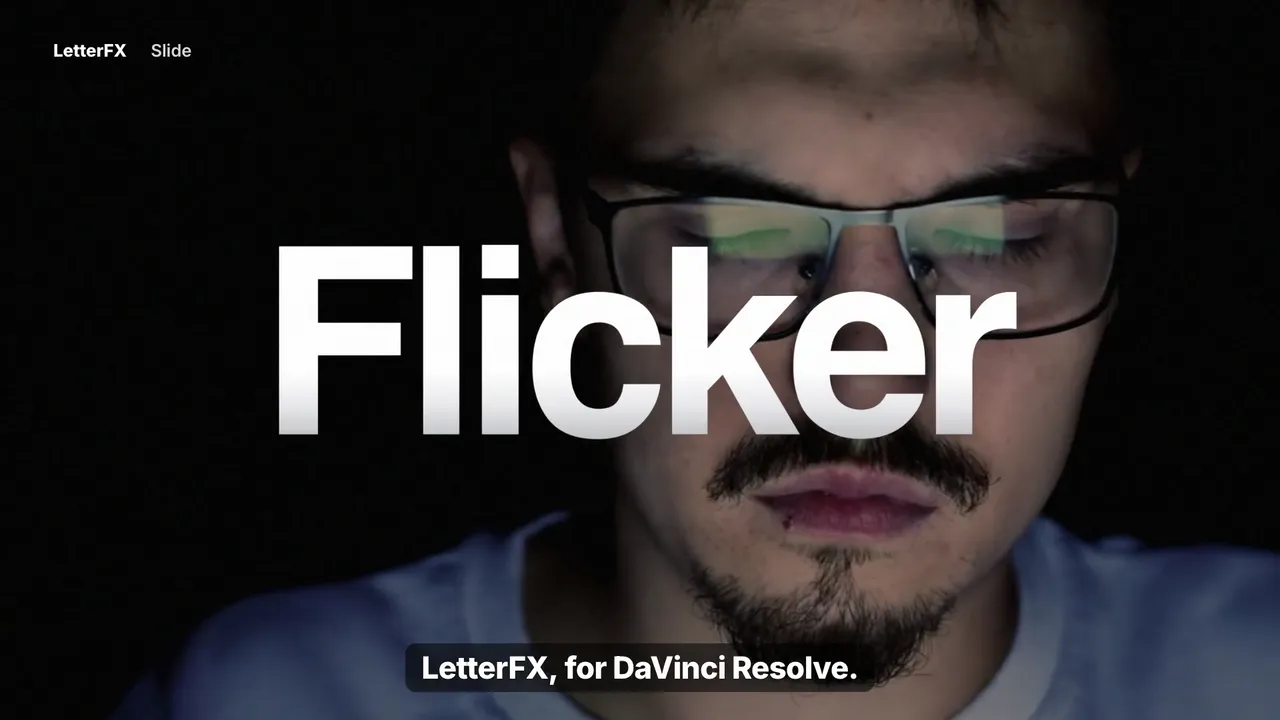
LetterFX — DaVinci Resolve titles preset previewWatch with sound

Titles

LetterFX

Kinetic letters. Neon energy.

$18.9912 letter animations

Learn more

Bundles

Want them all? Bundle and save.

All-Access — DaVinci Resolve bundle preset preview
Best seller
Watch all 8 trailers

Bundle

All-Access

The entire Letta Edit library.

$69.99$210.91Save 67% vs. separately

Learn more
Text Collection — DaVinci Resolve bundle preset previewWatch all 5 trailers

Bundle

Text Collection

Every caption and title pack.

$44.99$107.95Save 58% vs. separately

Learn more

Why use title templates?

Good titles are what separate a polished edit from an amateur one — and they're also where editors lose the most time. Building a weighted ease, a clean blur-in or a per-letter reveal from scratch in Fusion can take an afternoon. Doing it again for the next client takes another.

Letta Edit title templates package that work into a single drag. Each title is built in Fusion with real easing curves and exposed controls, so you change the text, font, color and timing in the Inspector without opening a node graph.

Pick MotionText or Letta Shift for clean, Apple-inspired product and launch videos, LetterFX for high-energy per-character reveals, or get the Text Collection to have every title and caption style on hand.

New to .drfx files? Read how to install presets in DaVinci Resolve — it takes about a minute.

Questions

Are these titles editable?

Completely. Text, font, size, color, position and timing are all exposed in the Inspector. You never need to touch the Fusion node graph.

Do I need DaVinci Resolve Studio?

No. The title templates work in the free version of DaVinci Resolve and in Studio, version 18 or newer.

Can I use the titles in client projects?

Yes. Your license covers unlimited personal and commercial projects, including client work and monetized content.

We use essential storage for your bag and preferences. With your OK we also load the Meta Pixel to measure our ads. Cookie Policy